The storybook maker for kids 5–11
Your child has a story in them. Let's make it a book.
With My Story, kids write, draw and narrate their own picture books, and can hold a printed copy when they're done. There are no ads, and story starters and characters help when the page is blank.
Free to start · Works in any browser, on iPad and on iPhone

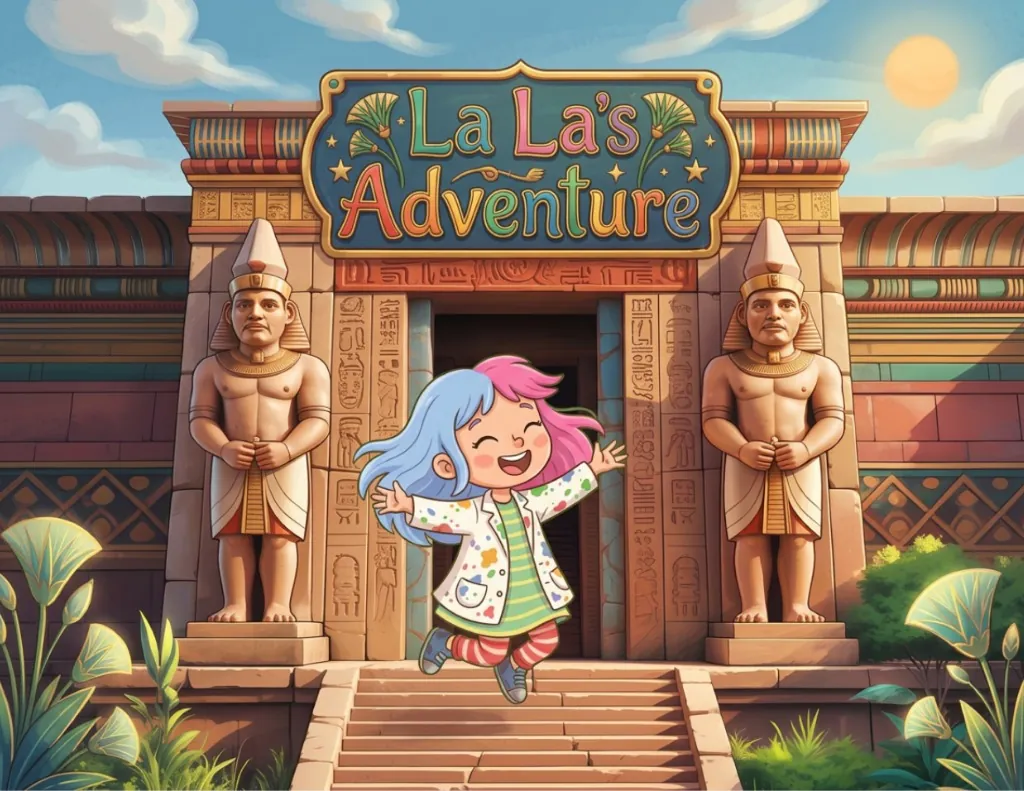
- At school, La La seemed like a pretty normal kid. In secret, she was the world's most daring adventurer.
- During class, she planned her next adventure, hoping her teacher wouldn't notice.
- With the plan set, all she needed was for class to end. Waiting with everyone else took forever!
- When the bell rang, La La darted out faster than lightning, dodging the kids in the hallway.
- Behind a tree at the back of the school, she pulled out her magic paintbrush. It could paint a doorway to any place she imagined.
- La La painted her next great adventure. The paintbrush glowed and hummed as the picture came to life.
- When the painting was finished, she stepped right through it.
- The new world was full of treehouses and creatures of every shape and color.
- La La smiled. Her adventure was just getting started.
La La's Adventure
A My Story Original
How it works
From first idea to finished book
Kids have plenty of stories. My Story gives them the tools to tell one from start to finish.
-
Imagine
Pick a hero, a place and a "what if…". Story starters and hundreds of characters help when they don't know where to begin.
-
Create
They write the words, draw the pictures and record themselves reading every page, in their own voice.
-
Publish
Share it with grandparents, play it like a movie, or order a printed copy of the book they wrote.
Write & draw
Every page is theirs
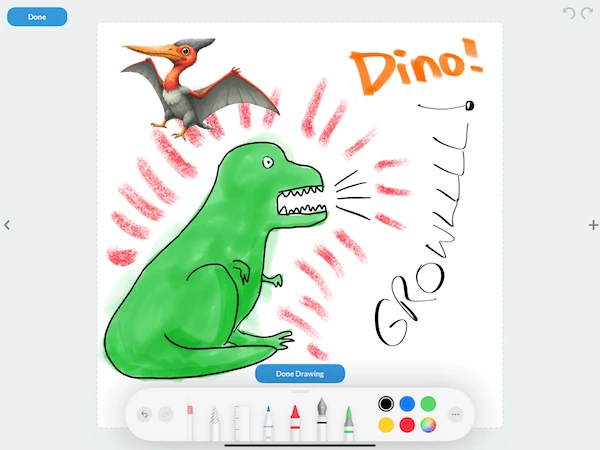
Kids use crayons, markers, stickers, photos and their own words, and they decide what happens next. The tools are simple enough for small hands.
- Drawing tools made for kidsPencils, crayons, markers and a rainbow of colors on every page.
- Their words, their wayType it, or let a grown-up help write while they tell it.
- Photos and real-life artSnap a drawing from the fridge or a family photo and drop it right in.
Narrate
Their voice on every page
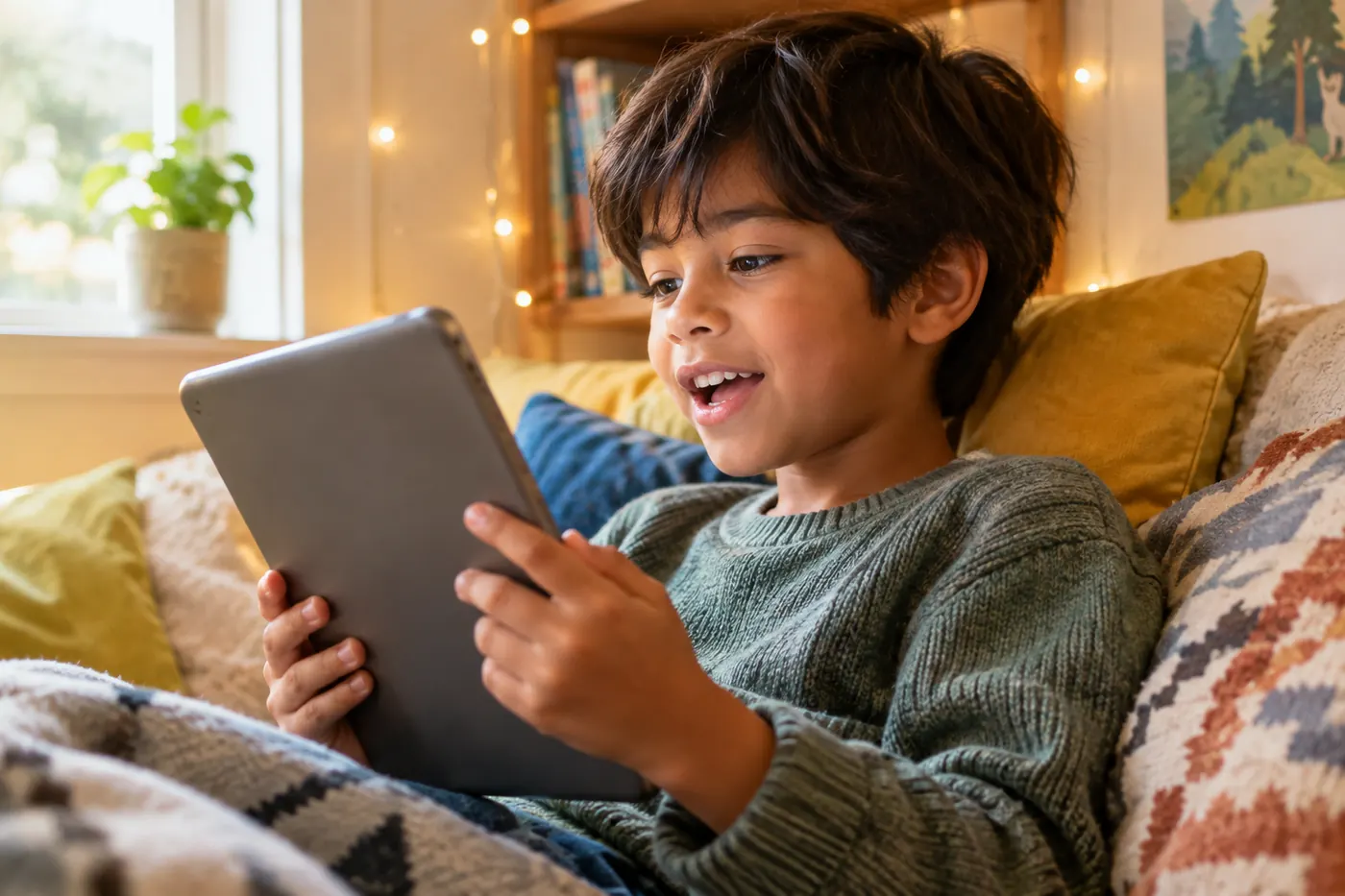
Kids record themselves reading each page aloud. It builds reading confidence today, and years from now you'll still hear exactly how they sounded.
- Record page by pageRe-record as many times as they like until it's just right.
- Add a soundtrackPick the music that sets the mood, from spooky to silly.
- Play it like a movieBooks play back with voice, music and page turns, ready to share.


 Hundreds more inside
Characters & worlds
A whole cast, ready for their plot
Superheroes and sorcerers, detectives, mythic gods, robots and dragons. Hundreds of characters, with new ones every week, give kids a starting point for any kind of story.
- Hundreds of characters, always growingNew heroes, villains and sidekicks land in the app every week.
- Moving stickers, GIFs & 3DPages that wiggle, bounce and spin.
- Backgrounds for every worldCastles, oceans, outer space or their own backyard.
Publish
From the screen to the bookshelf
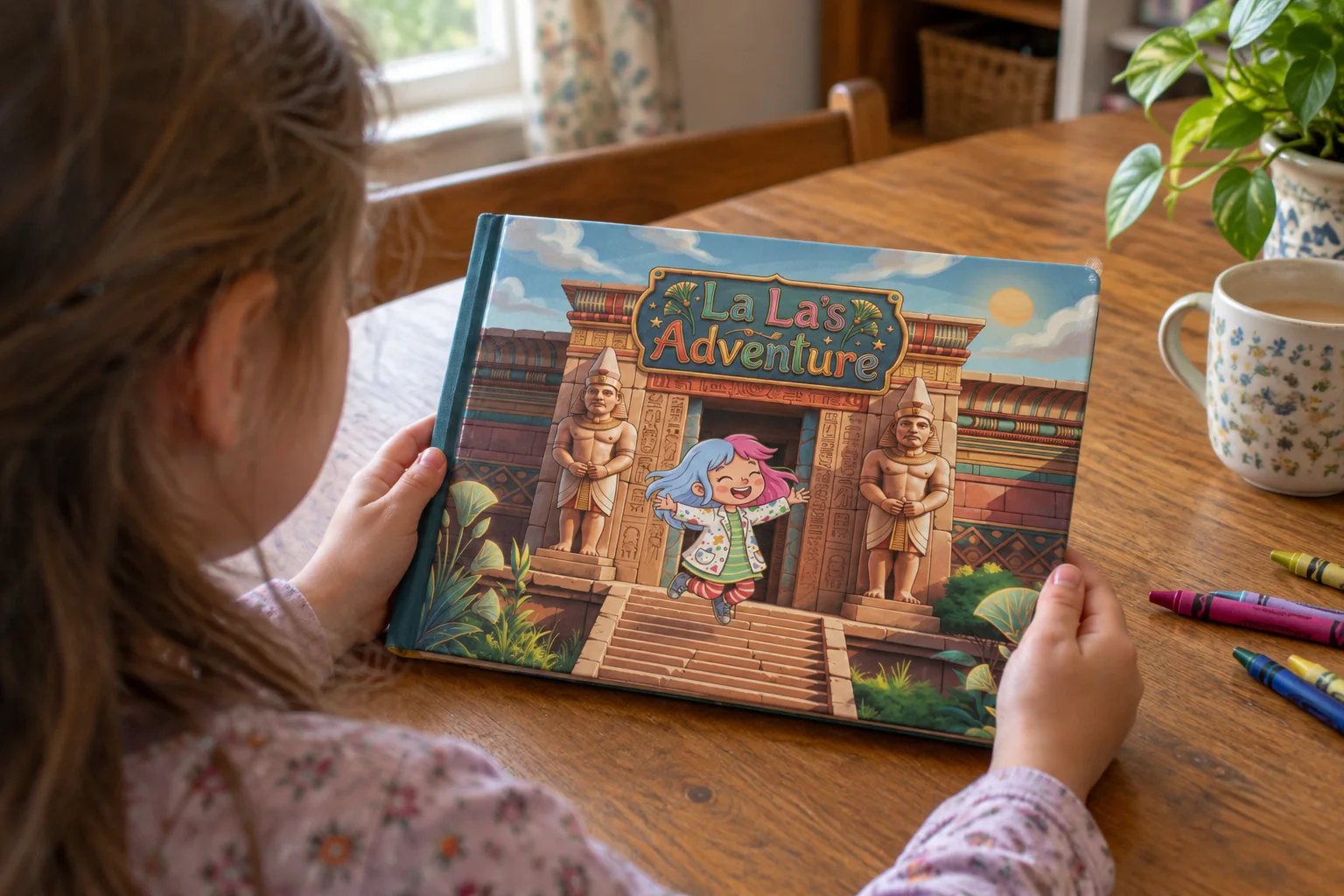
Order a printed copy of any story they make, for them or for the grandparents. Kids get to hold a book they wrote themselves.
- Real printed picture booksFull color, in square, landscape or portrait.
- Preview every page firstFlip through the finished book before you order.
- Delivered to your doorShip to your home, or straight to Grandma.
Reviews
What families and teachers say
In the past we used to bring books for our kids to look through while in church or at the Dr. Office. With My Story we leave the books at home and our kids love making their own books. Awesome App.
I have been using My Story with my students for almost two years now and we love it!!! It is so much fun and easy to use and parents love it as well!!!!
Very easy to use. I like how you can record the text. … Definitely recommended!
The user interface is intuitive and kid-friendly. Most children can begin using the My Story app with very little instruction. Students can draw, take pictures, add text, even narrate their own story!
My Story Originals
Need a little inspiration?
Picture books our team made in My Story. Read them free in the Community Library.
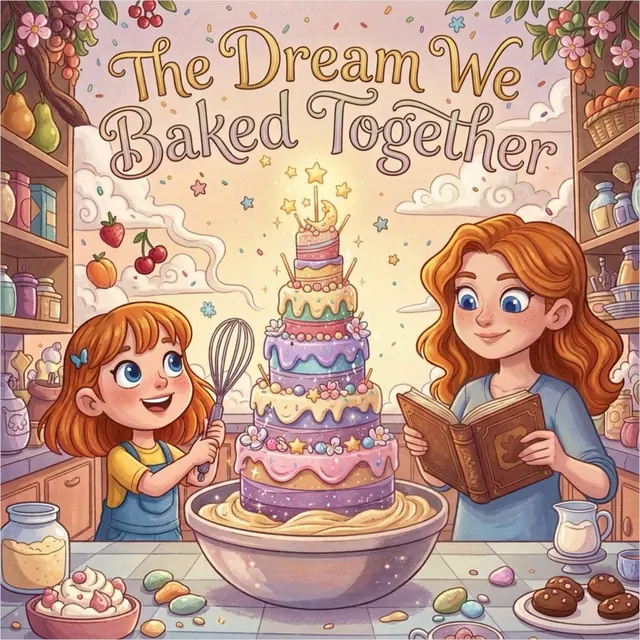
The Dream We Baked Together
Friendship · 12 pages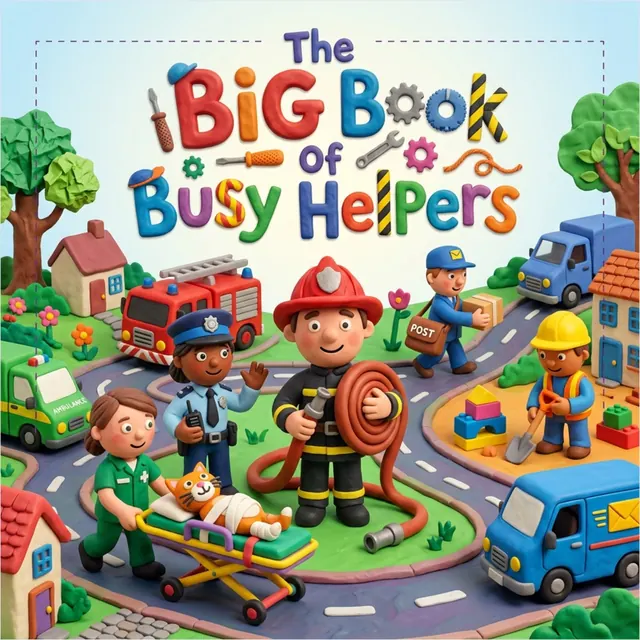
The Big Book of Busy Helpers
Community · 12 pages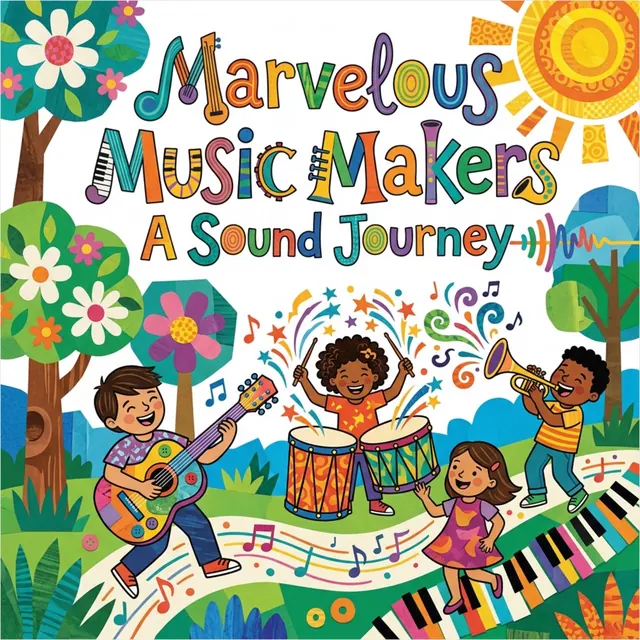
Marvelous Music Makers
Music · 12 pages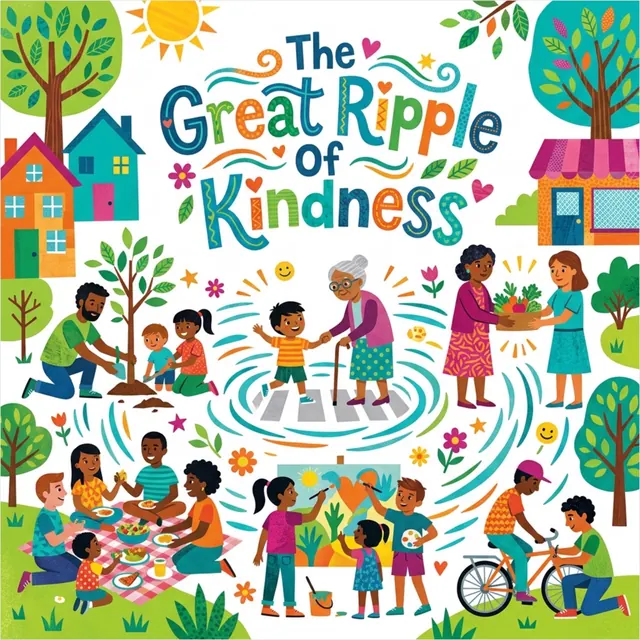
The Great Ripple of Kindness
Kindness · 12 pages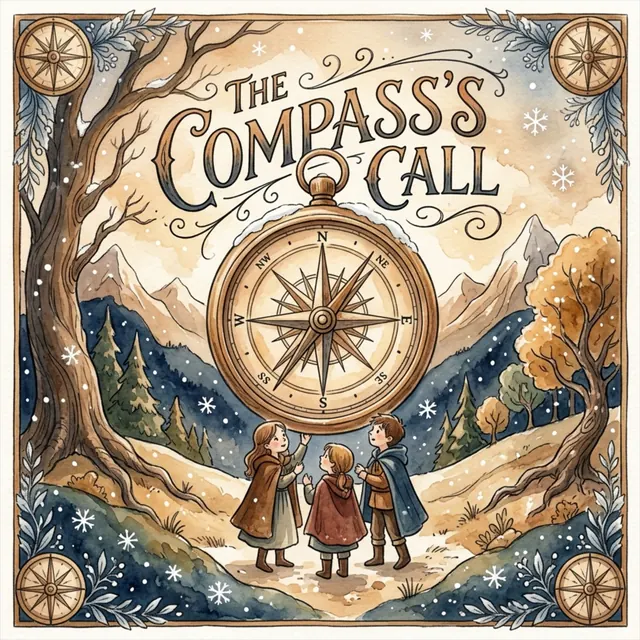
The Compass's Call
Adventure · 12 pages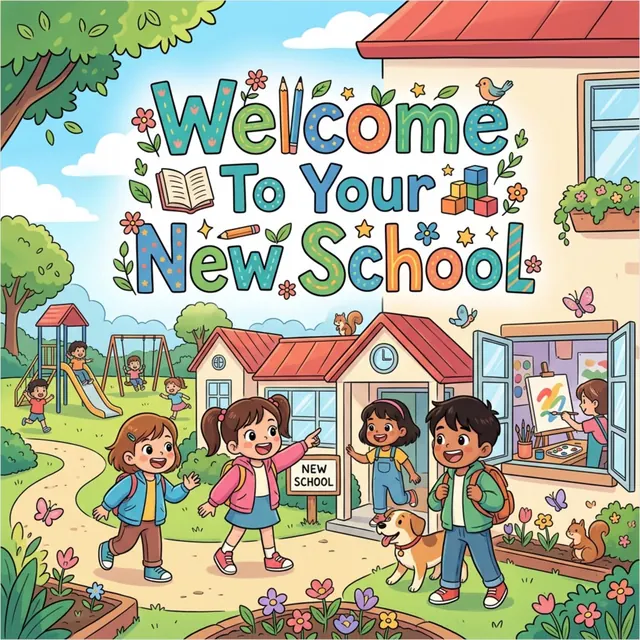
Welcome to Your New School
First days · 12 pages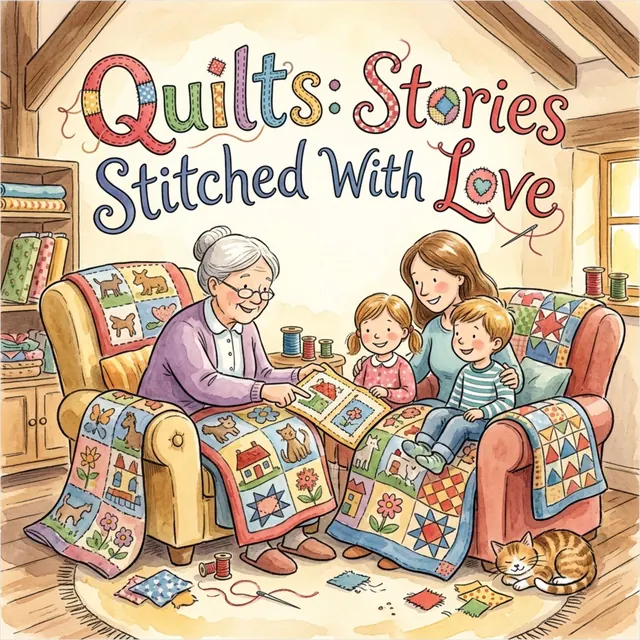
Quilts: Stories Stitched with Love
Family · 12 pages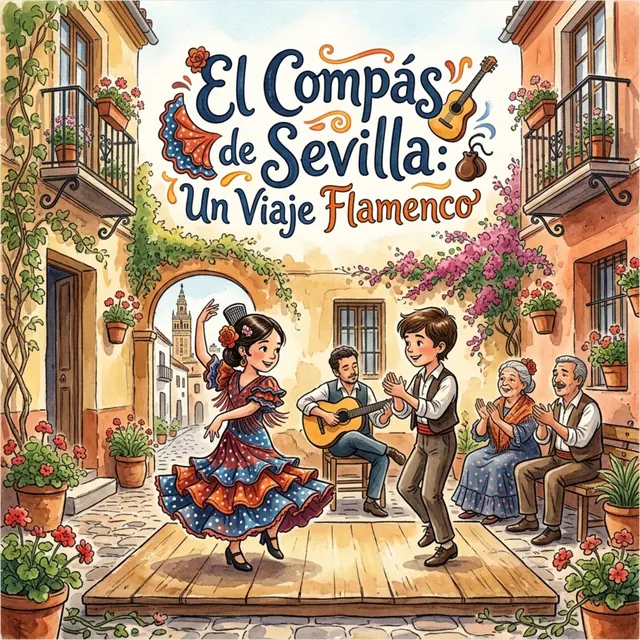
El Compás de Sevilla
En español · 12 pages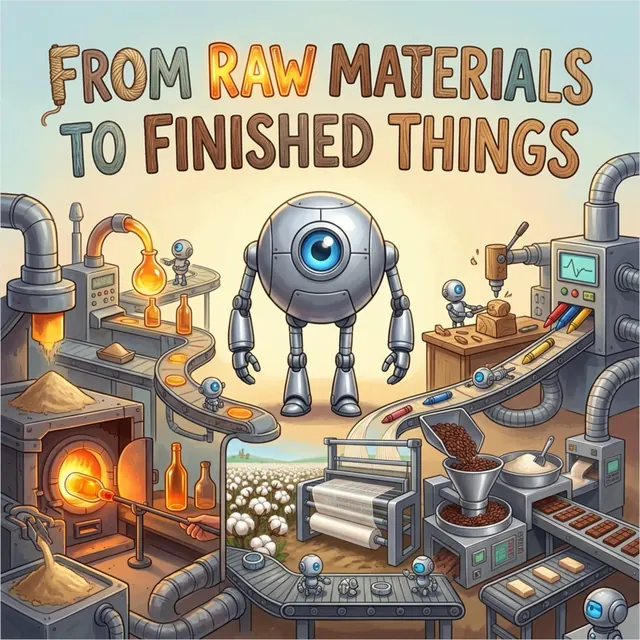
From Raw Materials to Finished Things
How things are made · 12 pages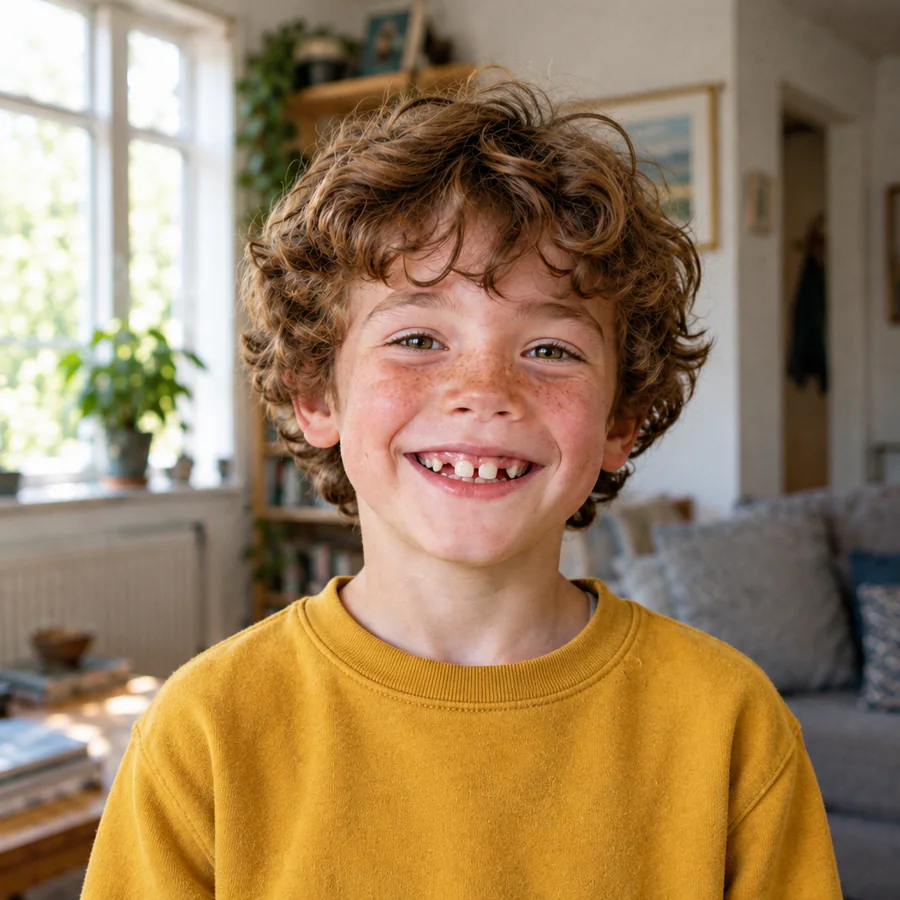
Hero Books Coming soon
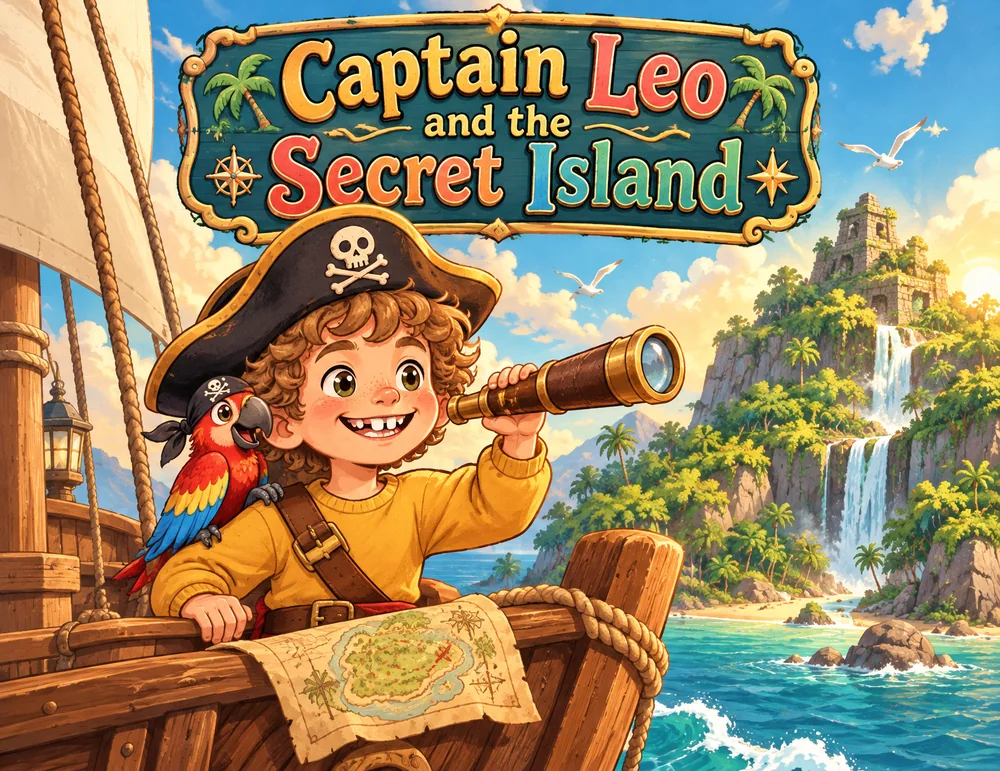
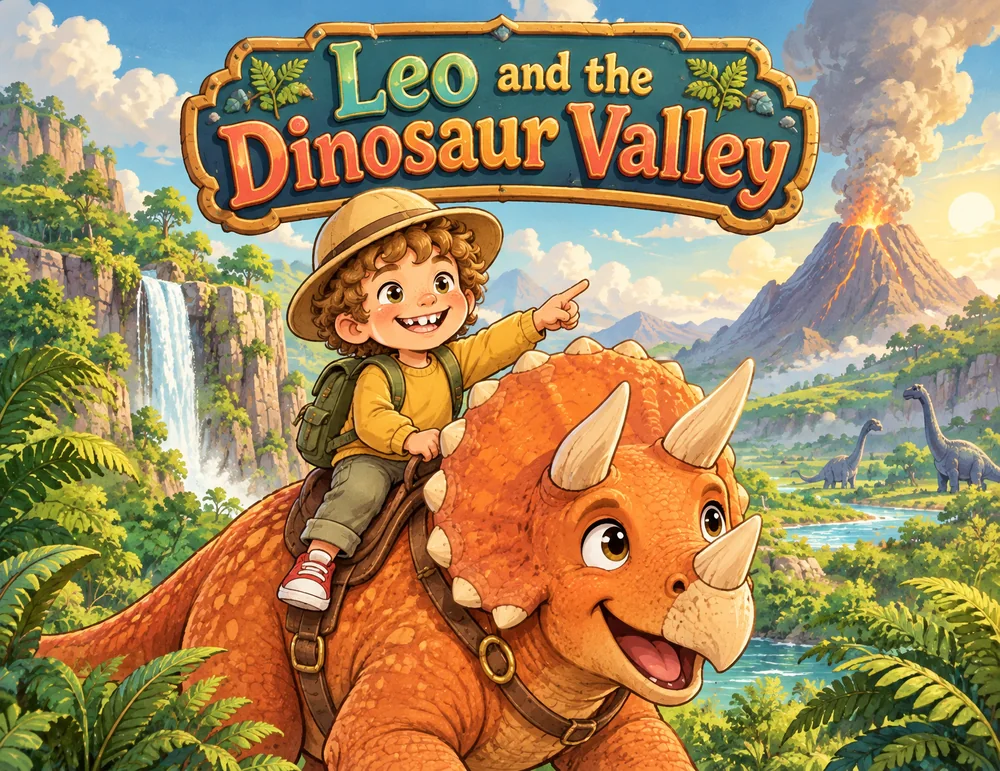
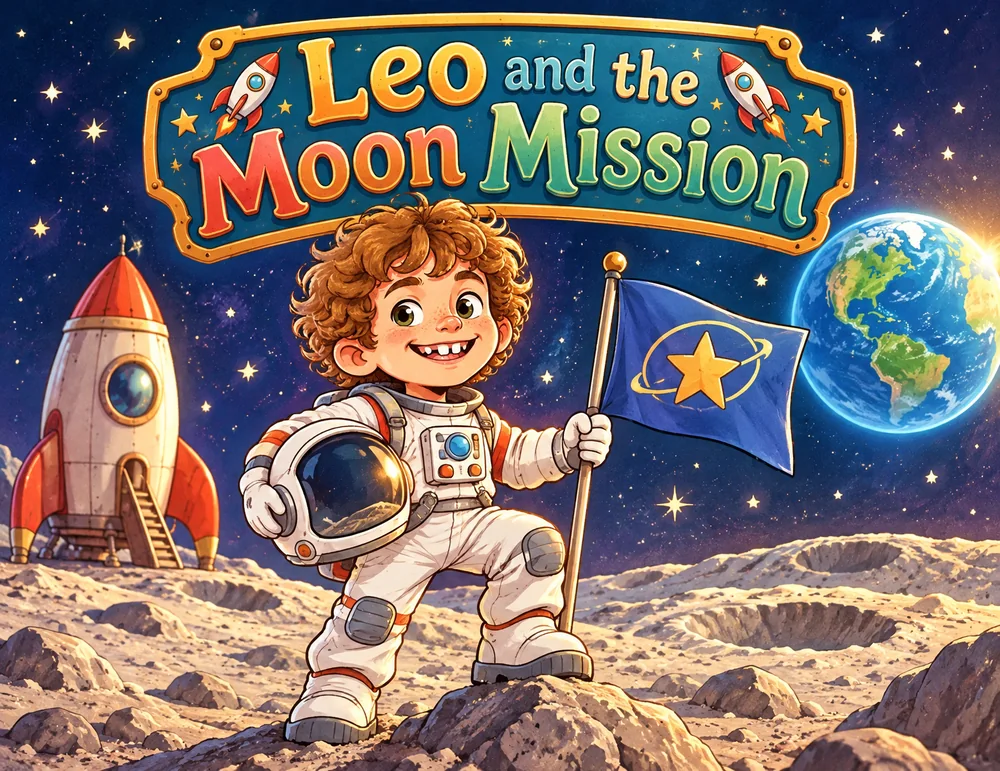
Make them the hero of 12 books
Send one photo and an address. Every month for a year, an illustrated hardcover arrives with your child as the hero. Join the waitlist to hear when it launches.
- 12 books, 12 adventuresA new story every month, each one with your child as the hero.
- As simple as one photoUpload a picture and preview the first pages before you buy.
- The photo isn't keptIt's only used to draw their character, and it's deleted within an hour.
Planned price: $38.99/mo · 12 hardcover books
For teachers School Edition coming soon
Every student in your class is an author
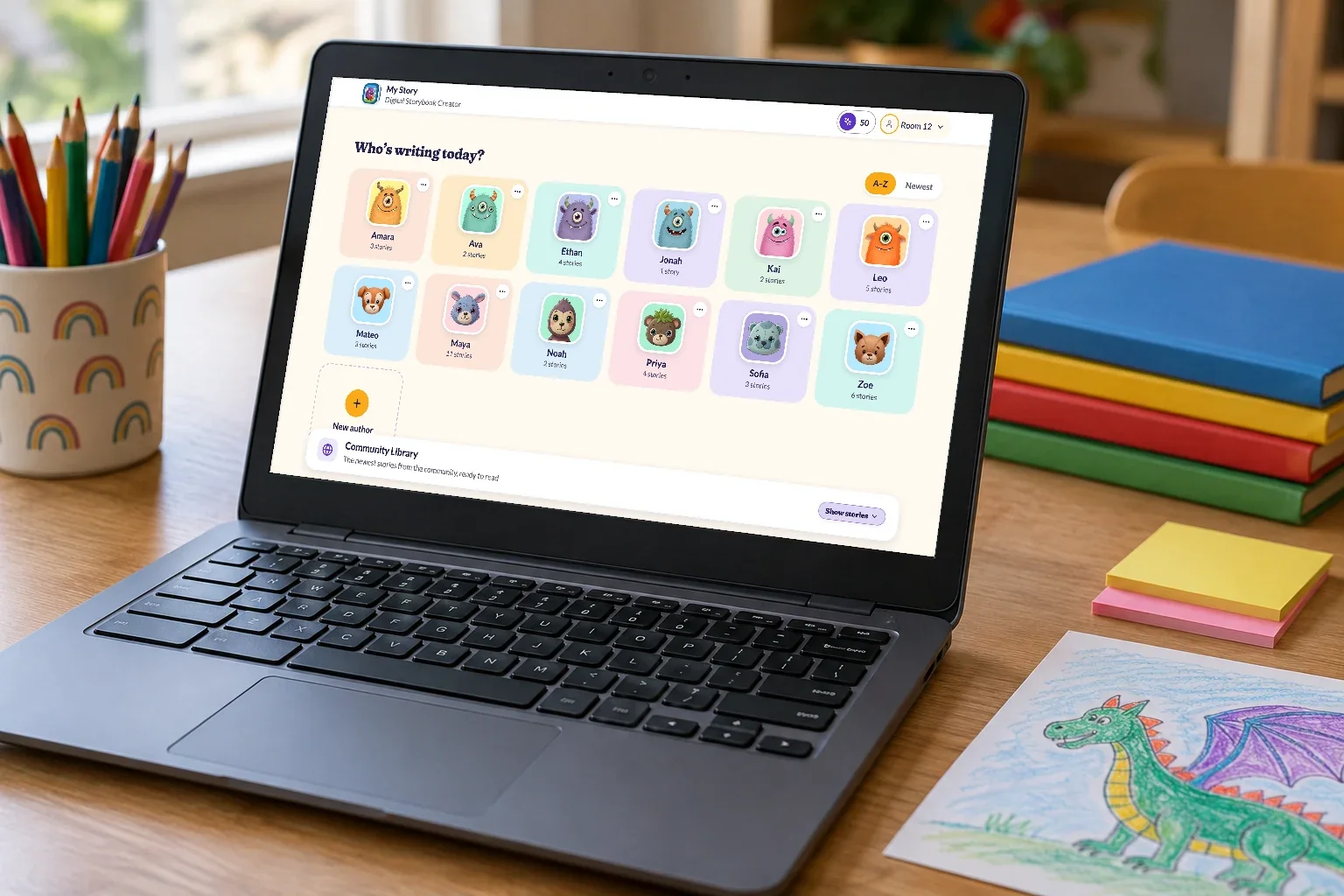
Teachers have run author projects with My Story since 2011. Now we're building a School Edition for Chromebook classrooms, and we'd love your help shaping it.
- Made for ChromebooksRuns in the browser, with nothing to install.
- A teacher dashboard, coming soonAssign prompts, review work and publish class books.
- Simple per-teacher plansFor one classroom, or a site license for the whole school.
Safe by design
Made for kids, with grown-ups in charge
No ads
There are no banners, pop-ups or tracking ads in My Story.
Grown-ups in control
Parents and teachers decide what kids can see, share and do in the app.
Private by default
Books stay in your family's account unless you choose to share them. Stories shared to the Community Library are reviewed by our team first.
Works everywhere
Wherever your family creates
Make books in any browser, or with the iPad and iPhone apps.
Questions
Good questions from grown-ups
What age is My Story for?
My Story is made for kids 5 to 11, the age when children have big stories to tell and can drive them on their own. Early readers lean on drawing, characters and their recorded voice. Older kids write longer stories, build whole worlds and publish book after book. Younger siblings can join in with a grown-up.
How does My Story fit with screen-time limits?
It's creative screen time: kids make something of their own instead of scrolling or watching. There are no ads, and every session ends with something to show for it, like a page they drew, a story they wrote, or their voice reading it aloud.
Is My Story free?
Yes. Creating and sharing books is free. Optional extras, like Story Sparks for special creative tools and printed books, are paid, and purchases ask for a grown-up first.
Does my child need to be able to read and write?
Not at all. Pre-readers tell their story with pictures, stickers and their own recorded voice, and a grown-up can help with the words.
Can we print the books?
Yes. Any book can be ordered as a real printed picture book and delivered to your door. You preview every page before ordering. How printing works.
Is it safe? Are there ads?
There are no ads. Purchases ask for a grown-up first, and books stay private unless you choose to share them. Read about safety & privacy.
Can teachers use My Story in class?
Yes. Teachers can use the free version in any browser today, with an author profile for each student. A School Edition for Chromebook classrooms, with a teacher dashboard and per-teacher plans, is on the way. Join the waitlist.

Ready to make their first book?
It's free to start, and there are no ads.